



Arena Breakout Infinite demands 12GB RAM minimum (per Steam), with 16GB recommended, plus 60-100GB SSD space. Yeah, 8GB can scrape by on low 1080p settings—expect 40-80% FPS boosts from DLSS/FSR tweaks and clean drivers. But smooth? That's the real question.
Quick Game Rundown: Why Your Rig Matters
New to the Fray?
It hits Early Access on August 13, 2024—full launch September 15, 2025. Think 900+ weapon mods, 20 attachment slots per gun. Multiplayer? Broadband's non-negotiable for that anti-cheat muscle.
Extraction Shooters Eat Hardware
DirectX 12, 64-bit Windows 10+ (23H2/22H2), 70GB SSD minimum. Half the players cruise on comfy graphics; 25% crank it to lowest. Double-check your 70GB SSD free space, Windows version (Settings > System > About), and broadband over 50Mbps. No shortcuts here.
Official Specs: No Sugarcoating
Minimum to Get In the Door
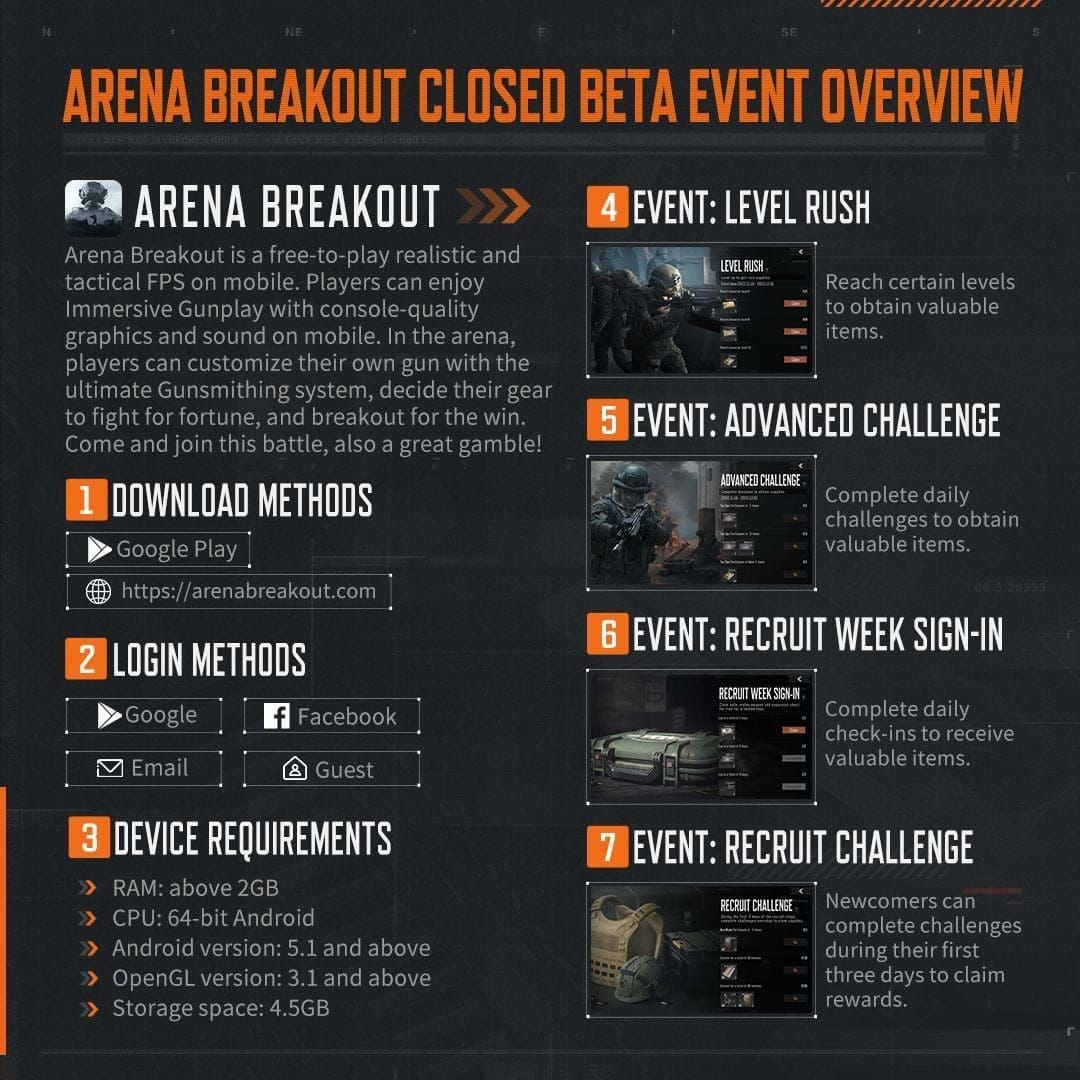
Intel Core i5-7500 or AMD Ryzen 5 1400 (4+ cores), NVIDIA GTX 960 / AMD RX 560 / Arc A380 (4GB+ VRAM), 12GB RAM, 70GB SSD, 64-bit Windows 10+. Quick fixes: Steam > Library > Properties > Local Files > Verify Integrity. And yeah, SSD only—HDDs will choke.
Recommended for Real Fun
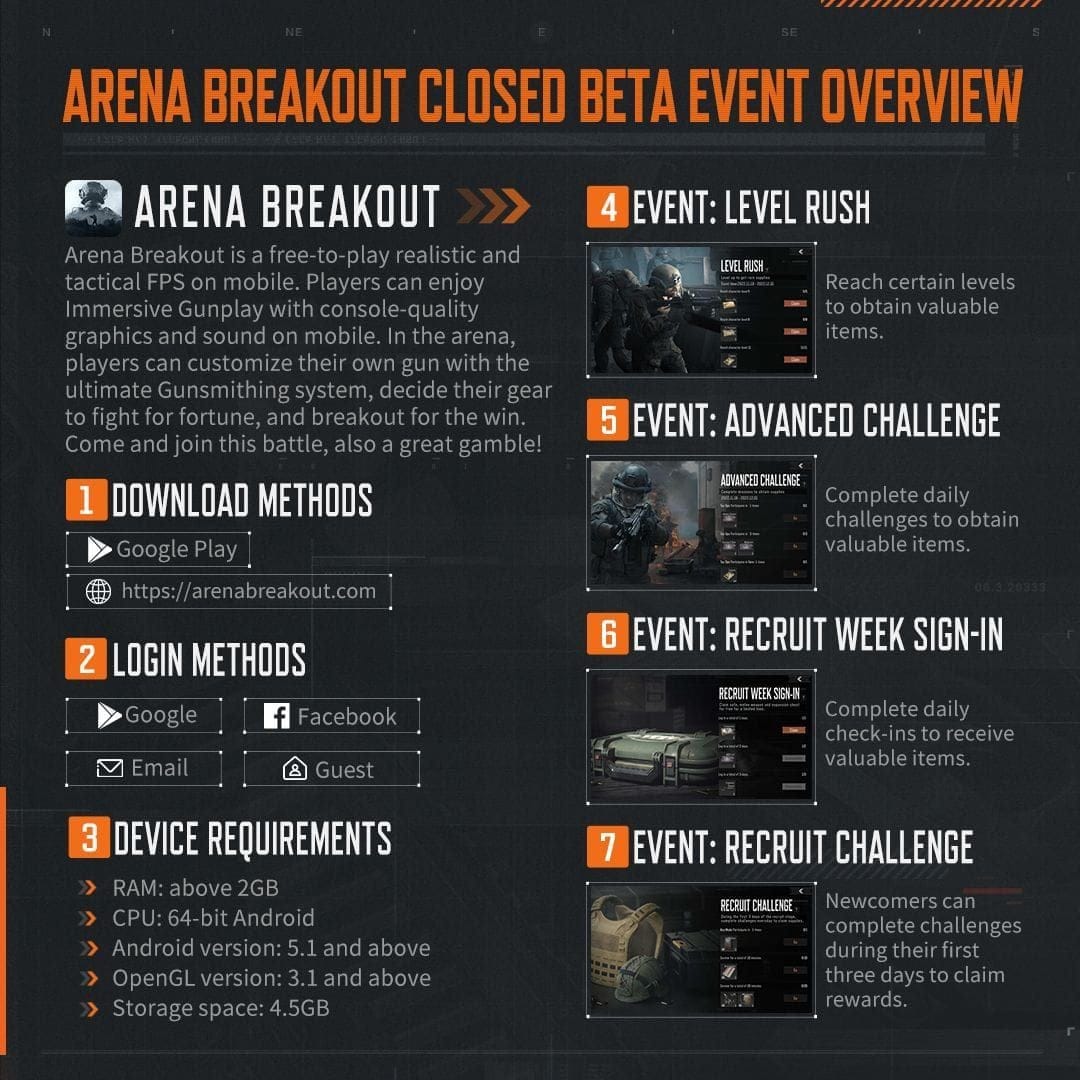
Step up to Intel Core i7-9700 / AMD Ryzen 5 3600X, RTX 2060 / RX 6600, 16GB RAM, 70GB SSD. Go broader: i7-10700KF / Ryzen 7 3700X, RTX 2080 / RX 6800 XT (6-8GB VRAM), 32GB RAM, 100GB storage for steady 60-120 FPS at 1080p. My take? Prioritize that 16GB RAM upgrade and snag an SSD first.
Want an edge in the in-game economy? Buy Arena Breakout Bonds on Buffget—global low prices, instant delivery under 5 minutes, fully safe, killer user ratings, and payments via credit cards or crypto like USDT.
Straight Talk: 8GB RAM Viable?
Yes... Kinda
Steam lists 12GB as the floor, but 8GB works on low 1080p with an i5-8400 / Ryzen 5 2600 and GTX 1060 6GB / RX 580 8GB. Stutters? Inevitable.
Real Tests from the Trenches
25% of players grind on lowest settings; smart tweaks net 40-80% FPS jumps. Try this: Cap FPS at 60 in-game. Task Manager for RAM—slam the door on apps if usage tops 90%.
How RAM Screws (or Saves) Your Raids
Peak Usage in the Heat
12-16GB swallows those 900+ mods no sweat. 8GB? Spikes turn into chokepoints. 50% thrive on recommended specs; 25% scrape by low.
Stutters Demystified
Low RAM = texture pop-in, shader cache hiccups. NVIDIA folks: Control Panel > Manage 3D Settings > Reset Shader Cache. Simple fix, big win.
Check Your PC: Step-by-Step No-BS Guide
Steam's Built-In Tool
Steam > Help > System Information. Stack it against i5-7500, 12GB RAM, GTX 960. Library > Properties > Installed Files > Eyeball your GPU cables. Confirm Windows 10/11 23H2/22H2, 70GB SSD free.
Freebies Like Can You Run It
PCGameBenchmark calls 8GB + GTX 1060 Playable on Low. MSI Afterburner tracks FPS, keeps RAM under 90% for no-crash stability.
8GB Survival Kit: Optimize Like a Pro
Buffget's Arena Breakout top up hits instantly at rock-bottom global rates—secure with Binance Pay/USDC, 24/7 support, 99% user happiness.
Killer In-Game Settings
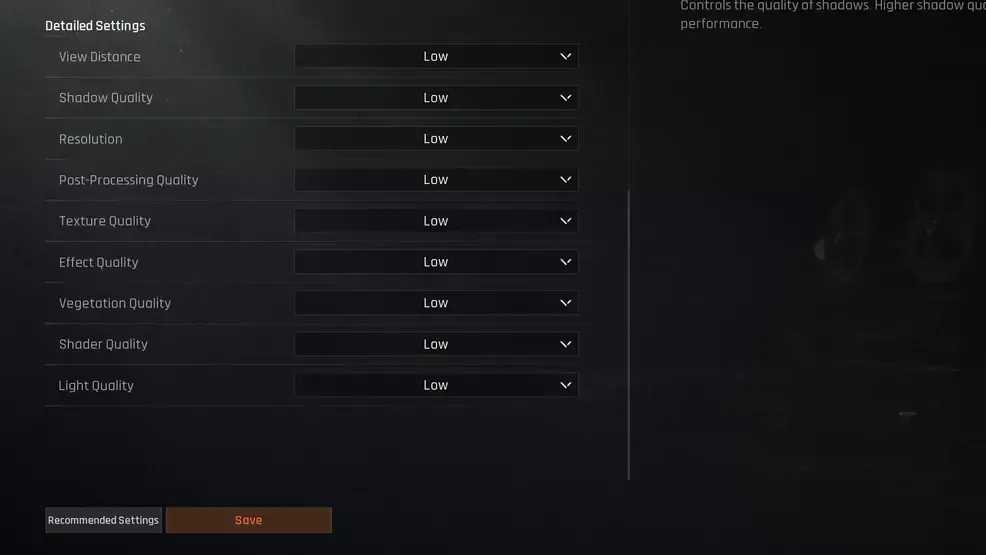
Flip on DLSS/FSR Quality. View Distance Medium; Shadows/Lights/Post-Processing/Vegetation Low; Textures Low (4GB VRAM sweet spot); Sharpening 1.0-2.0; FSR Performance, everything else Low. RTX 3060 equivalent? 60 FPS 1080p, easy.
Windows Hacks for FPS Gold
DDU in Safe Mode for driver nukes, then latest NVIDIA/AMD + Visual C++. Disable Defender (add exclusions), verify files. NVIDIA: Ultra Low Latency On, Max Perf Power, High Perf Filtering, 70-85% Vibrance. AMD: Anti-Lag, 80-90% Sharpening. Switch to Ultimate Performance Plan, Game Mode, HAGS, High Perf GPU—kill overlays, cap FPS. Wired Ethernet, shut apps, DNS 1.1.1.1. Reset shader cache. Boom: 40-80% FPS on low-end rigs.
Low-RAM Pitfalls and Patches
Crashes? Sorted
Redistributables in, overlays out. Anti-cheat's banned 123,000+—stay clean.
Bye, Texture Pop-In
Crank Vegetation/Shadows low; force NVIDIA DLSS. SSD's mandatory—HDDs double load times.
8GB vs 16GB: Head-to-Head
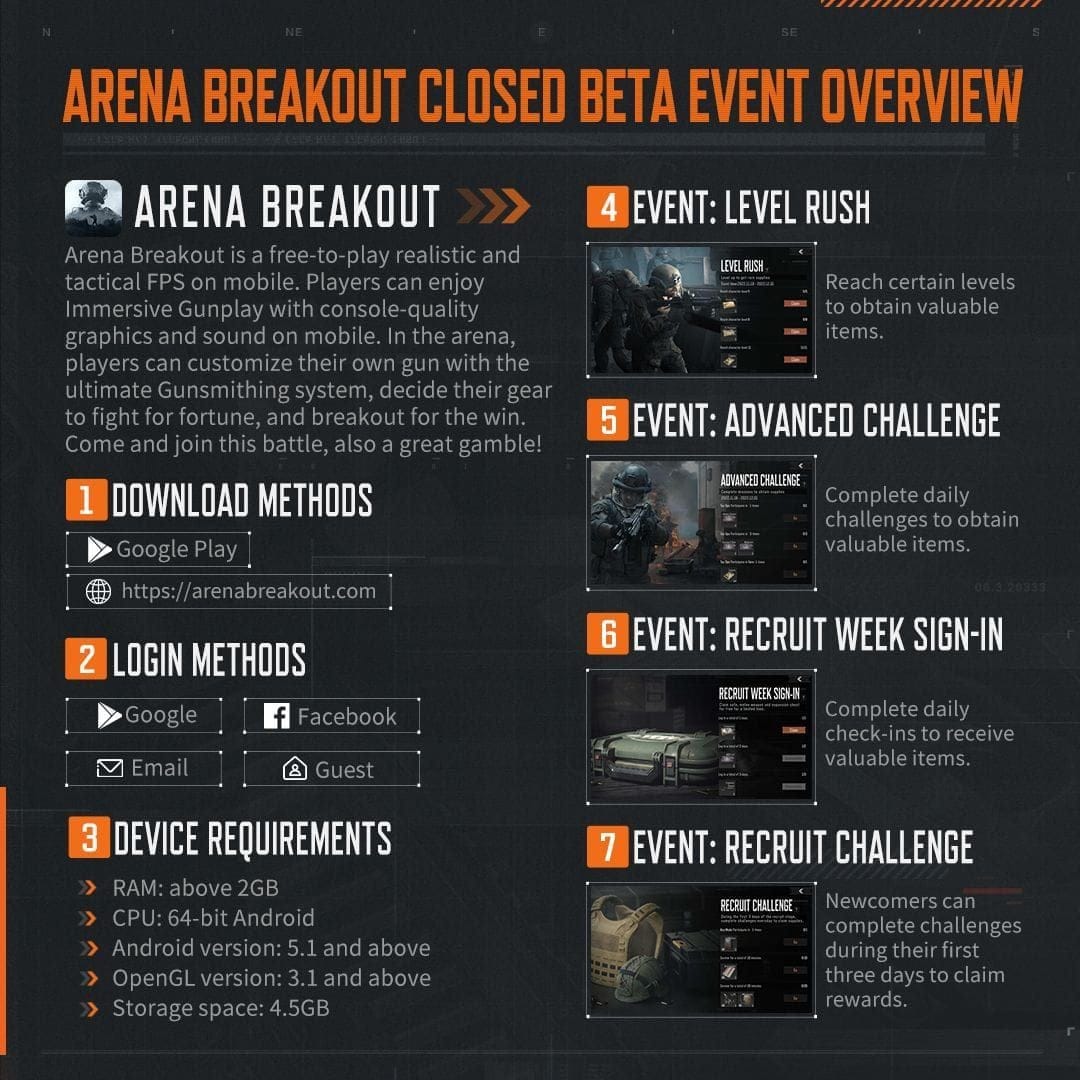
- FPS (1080p Low): 8GB hits 30-60 post-tweaks; 16GB locks 60-120.
- Stutters: 8GB constant; 16GB ghosts.
- Settings: 8GB all Low/FSR Perf; 16GB Medium/DLSS Quality.
- Playability: 8GB teeters; 16GB comfy. Data shows 16GB pumps 40-80% FPS; $50 upgrade +100GB storage? Worth it. (Editor note: I've seen borderline rigs transform.)
What Players Say—And Pro Moves
83% recent Steam thumbs-up (7,278 reviews); 95% Early Access love. 25% nail lowest settings. Pro tip: Mid profile with DLSS Medium; Afterburner alerts at >90% RAM.
Verdict: Upgrade or Grind?
8GB's shaky against 12-16GB minimum. Tweak for those 40-80% gains, but RAM/SSD upgrade calls. Dive into Early Access now; full drop September 15, 2025.
FAQ
What are the minimum PC requirements for Arena Breakout Infinite?
i5-7500 / Ryzen 5 1400, GTX 960 (4GB VRAM), 12GB RAM, 70GB SSD, Windows 10 64-bit.
Is 8GB RAM enough to run Arena Breakout Infinite?
No, below 12GB min; low 1080p possible with tweaks, stutters likely.
What GPU is needed for Arena Breakout Infinite?
Min: GTX 960 / RX 560 (4GB VRAM); Rec: RTX 2060 / RX 6600.
How much RAM does Arena Breakout Infinite use?
12-16GB min; spikes with 900+ mods.
What are the recommended specs for Arena Breakout Infinite?
i7-9700 / Ryzen 5 3600X, RTX 2060, 16GB RAM, 70GB storage.
How to optimize Arena Breakout Infinite for low-end PCs?
9 steps: Clean drivers, low settings, DLSS/FSR, Ultimate Plan for 40-80% FPS gain.